 Must-Have Features in Modern Hospital Management Software
Hospitals run on many moving parts: registration, consultations, lab tests, pharmacy stock, billing, and staff records. When these live in separate systems, information gets lost and patients wait longer. Modern hospital management software (HMS) brings these functions onto one platform. Here are the ten features to look for when you evaluate a system.
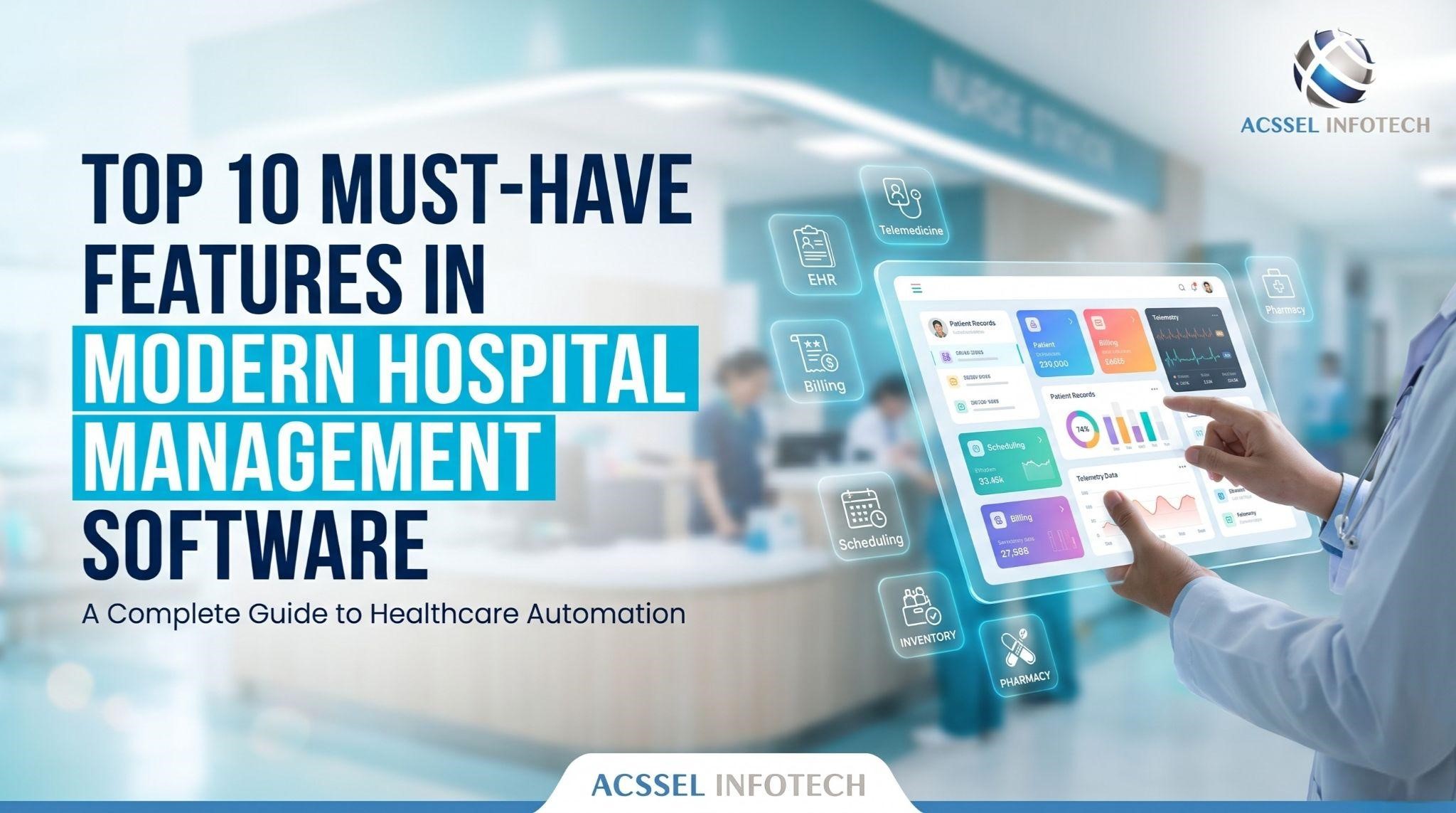
An EMR gives clinicians a complete, searchable patient history: diagnoses, prescriptions, test results, and notes from earlier visits. Doctors can make decisions faster, and patients don't have to repeat their history at every visit. When you assess an EMR, check whether it works across departments, not just in the OPD.
Outpatient departments see the highest patient volume, so scheduling and flow matter. Look for online appointment booking, token or queue management, doctor-wise schedules, and automatic reminders. Good OPD tools shorten waiting times and reduce no-shows.
Fast, accurate registration is the starting point for every other module. The system should detect duplicate records, store patient identity details securely, and let staff retrieve a file in seconds. Paperless registration also reduces errors caused by handwriting and manual data entry.
Lab modules should handle the full cycle: test orders, sample tracking, result entry, validation, and report delivery. Integration with lab equipment and automatic alerts for abnormal results are valuable. Patients and doctors should be able to access reports quickly and securely.
Pharmacy modules track stock levels, expiry dates, purchase orders, and dispensing against prescriptions. Automatic low-stock alerts help prevent shortages of essential medicines, and tracking expiry dates reduces waste. Ask whether the pharmacy is linked to billing and patient records so each dispensed item is recorded once and charged correctly.
Billing is where many hospitals lose money through missed charges, delayed invoices, or mismatched insurance claims. A strong system links billing to OPD visits, lab tests, pharmacy sales, and admissions, so every service is captured. For a deeper look at this area, see our guide to hospital billing software .
For inpatient care, the system should show real-time bed availability, track transfers between wards, and manage discharge workflows. Clear bed status helps admissions teams respond quickly during busy periods and supports better use of capacity.
Hospitals depend on well-scheduled staff. Look for duty rosters, attendance tracking, leave management, and payroll links. When HR data sits in the same system as clinical and billing records, administrators get a clearer view of staffing costs and coverage.
Management needs timely reports on occupancy, revenue, test volumes, and patient outcomes. Dashboards should be easy to read and customisable by role. Compliance matters too: audit trails, role-based access controls, and data security help a hospital meet regulatory and privacy obligations. Advanced analytics, such as forecasting or AI-based insights, can add value, but confirm exactly what a vendor offers and how it works before you rely on it.
Features are only useful if they work together. Check whether the system integrates with your lab equipment, accounting software, and any government or insurance systems you need to use. Ask about data backup, cloud or on-premise hosting options, user training, and how quickly the vendor responds to support requests.
Use this checklist when you compare vendors:
Every hospital has different workflows, so a generic demo rarely answers every question. If you'd like to see how these features work in your setting, request a feature-specific walkthrough with the Acssel team. Bring your current process map, and we can show you how each module fits your departments.